Every year around the same stretch of the calendar, attention turns back to Apple’s next hardware event. The interesting part is not only the invite date. It is what usually lands on stage, which upgrades are worth paying for, and whether you should be ready to pre-order the same night or sit the cycle out.
This piece walks through what a typical fall-style hardware window looks like, how to sort real changes from rumor noise, and the prep that actually helps when carts open. Until Apple publishes final details, treat model names and feature lists as expected rather than guaranteed. Recheck the newsroom and store pages after the keynote.
What usually shows up
In a normal fall hardware window, the new iPhone generation takes the spotlight. Pro models tend to carry the camera and performance story. Standard models often follow a more iterative path. Wearables or audio gear sometimes ride along when Apple has something ready; sometimes they wait for a later date.
What you can count on either way is the decision stack that follows: new cameras and chips versus last year’s discounted stock, carrier and retail offer piles, and a pre-order window where certain colors and storage sizes disappear faster than others.
- Worth watching: Pro-tier camera updates, battery and display refinements, on-device AI framing, and how the storage ladder is priced.
- Often nearby: Watch or audio refreshes, and colorways built for unboxing photos.
- Depends on your market: India EMI and exchange stacks, US carrier bill credits, UK education pricing, Japan tax-free visitor math.
How the weeks before the event usually feel
Coverage moves in layers. Early on you get incomplete feature grids and conflicting leaks. Closer to the event, reporting tends to settle around a few consistent camera and chip themes. Retailers sometimes soft-launch landing pages. After the keynote, official specs and pricing arrive quickly, then channel-specific deals within hours or days.
Do not expect clean comparison tables until Apple publishes them. Pre-order systems often open on one global clock, with local storefronts catching up the same evening. The first half hour is rarely about every unit vanishing. It is about whether the exact configuration you want is still available at a sensible delivery estimate.
Which features actually matter for an upgrade
A stage demo is not automatically a reason to buy. Match rumored or announced changes against what bothers you today: weak low-light photos, battery anxiety, heat under load, missing tools you would use every week, or a phone you already planned to replace because the body is failing.
Before the event, finish this sentence: “I will pre-order only if ____ ships.” Maybe that is a real battery step-up, a camera mode you need for work, or a storage price that beats last year’s Pro on sale. If nothing fills the blank, waiting for a festive or carrier stack is often the calmer move.
Prep that helps before pre-orders open
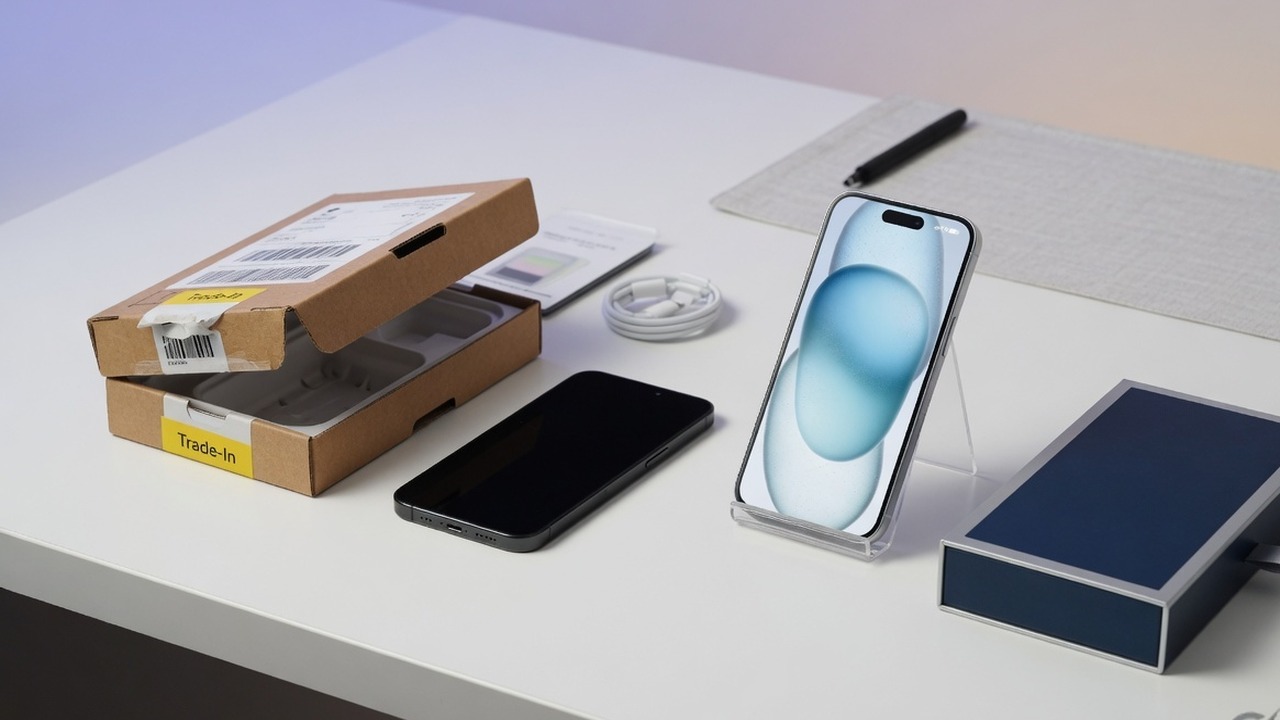
Most launch-night failures are boring. Payment methods fail. Trade-in estimates assumed a cleaner phone than you own. Credit limits block a full authorization even when you planned EMI or installments. Pick your primary channel—Apple, carrier, or big-box—before the evening starts, and know your backup configuration if the first color or storage size slips.
- Three must-have upgrades, written offline
- Backup color and storage if the first choice sells through
- Trade-in photos and honest battery or cosmetic notes
- Working payment app and enough available credit for a full hold
- Pickup versus delivery rule based on your calendar
- A walk-away price for last year’s model if the new one is incremental
Pre-order night one, wait, or skip?
Pre-order if a confirmed feature fixes something you feel every day and you care about a specific configuration. Wait if your current phone is fine and you mainly want a better offer stack. Skip the cycle if the updates are mostly iterative for how you actually use a phone—last year’s Pro on discount is often the rational alternative.
In India and similar markets, re-run the numbers after bank offers and exchange bonuses appear; event-night pricing is not always the price you should pay. In the US, model carrier credits across the full plan term, not the free-phone headline alone.
Noise to ignore while hype builds
A simple phase map
It helps to think in phases rather than a single date: soft rumors, more consistent reporting, the event invite, the keynote, pre-order open, first deliveries, then post-launch promotions. Early on, refine your feature filter. Closer in, sort money and trade-in. On the night, place one clean order.
| Phase | What you usually see | What to do |
|---|---|---|
| Pre-event chatter | Incomplete feature lists | Write your upgrade filter |
| Keynote | Official specs and pricing | Check them against your list |
| Pre-order open | Inventory moves by config | One channel, backup config ready |
| Weeks after | Reviews and new offer stacks | Revisit wait versus buy |
Common questions
Is every rumored feature guaranteed?
No. Only Apple’s event materials and store pages lock features. Until then, treat detailed lists as provisional.
Should I always pre-order on night one?
Only if a confirmed change fixes something you feel daily and you need a specific configuration. Otherwise waiting can be smarter.
Apple, carrier, or retail store?
Choose the channel that has your configuration and the offer stack you already modeled—not habit alone.
What if my current phone is still fine?
Watch the keynote, note anything that would change your week, and default to waiting unless a clear upgrade appears at a price you accept.
After the event lands
When the keynote is over, go straight to Apple’s official pages for final specs, pricing, and pre-order timing. Then check your local channels for trade-in values, EMI options, education pricing, or carrier credits. Use this article as a preparation frame, not as a substitute for the live cart.
If you are sharing the purchase with family, agree the must-have list in advance. Launch nights go badly when one person is chasing a camera feature and another only cares about the cheapest monthly plan. A short shared note beats a long argument in a group chat while inventory timers tick.
Also decide what you will do with your current phone. Keep it as a backup for a week if you are moving numbers or authenticator apps. Factory-reset only after banking logins, work email, and two-factor codes are stable on the new device. That small buffer prevents a stressful first morning with the upgrade.
A note on pricing psychology
New hardware always looks expensive next to last year’s model once discounts appear. That is normal. The right comparison is not “new versus old sticker.” It is “new at launch price versus old at likely post-event street price, including trade-in and any plan commitment.” If you skip that math, every keynote feels like a must-buy.
Watch for storage tier jumps that cost more than the camera upgrade you actually wanted. Manufacturers know people overbuy storage under pressure. If you have never filled 256GB, you probably do not need to panic-buy a much larger tier on night one unless the price gap is trivial in your market.
Finally, give yourself permission to watch the event and still do nothing. Plenty of readers will leave the keynote interested, sleep on it, and buy two weeks later when delivery dates improve or a bank offer appears. That is still a successful outcome if the phone you own continues to do the job.
One more practical habit: after you pre-order, keep the confirmation email and delivery estimate offline. Support chats go faster when you can quote an order number without digging through spam. If delivery slips, you will also know whether your carrier or Apple fulfilment path is the one that moved.
If you are coming from an older phone with years of photos only on-device, start a backup the weekend before the event—not the night carts open. Same for authenticator apps and work profiles. Hardware is easy to order. Identity recovery is what ruins the first day with a new device.
None of this requires treating the keynote like a sporting final you must “win.” Watch it, take notes against your short list, and only spend if the published product clears the bar you set when you were calm.
Bottom line
If you care about the next Apple hardware window, decide what would actually make you upgrade, get money and trade-in details ready early, and treat rumor lists as provisional until the keynote. That way pre-order night is a choice, not a scramble.
That is enough structure to stay oriented when the next invite lands.